
Step 01
Add a dancer (and a background if you like)
A clear photo of one person or one pet, half body or more, face visible. Optional: a background photo of a room or place with no people; skip it to use the classic Toc Toc room. JPG, PNG or WebP.
Upload a photo of you (or your pet) and get a 10-second vertical Toc Toc dance video: you hop and swing your arms in the classic Toc Toc room, or in a background photo you add. $5.99 per video, no app, no editing.
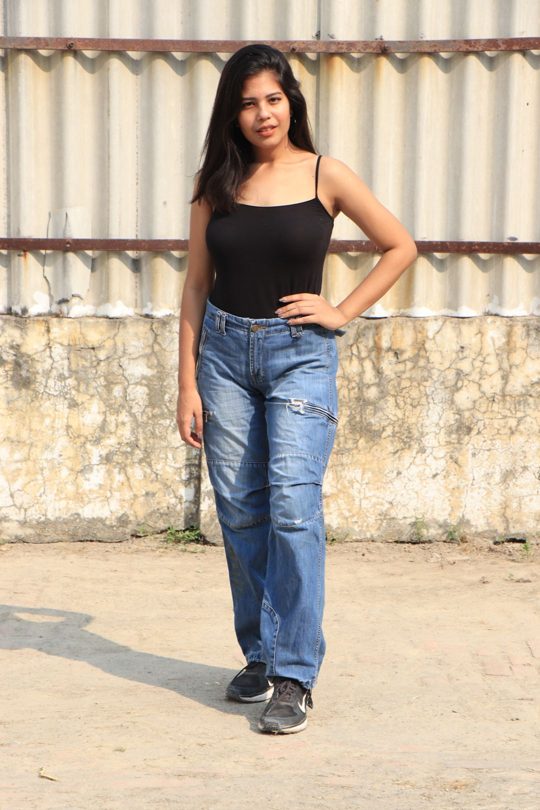
1. Dancer
2. Background
 Optional
Pick who dances, and where if you like
Add a clear photo of one person or one pet (half body or more). Optional: add a background photo of an empty place that looks clearly different from a plain white room, such as a living room with furniture, a street or a park. Without one, you dance in the classic Toc Toc room.
Two ways to make it · example photos are free-licence stock from Pexels
A. Skip the background
You dance in the classic Toc Toc room
 Default
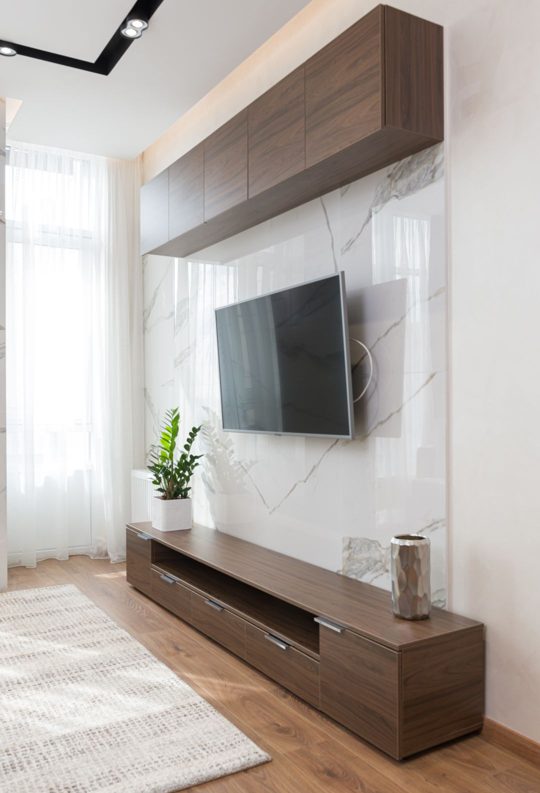
B. Add your own background
You dance in the place you upload
Toc Toc is a TikTok dance trend from October 2026: about ten seconds of non-stop, fast one-leg hops with the arms swinging out to the sides. This site puts you, a friend or your pet into it, in the classic room or a place you choose.
Hop, swing, repeat.
No app and no editing. It all runs in your browser.
Step 01
A clear photo of one person or one pet, half body or more, face visible. Optional: a background photo of a room or place with no people; skip it to use the classic Toc Toc room. JPG, PNG or WebP.
Step 02
Tick the box that you have the right to use the photos. Please do not upload celebrities.
Step 03
It takes a few minutes. You can close the tab, the finished video waits in My Creations.
Step 04
A 10-second vertical video with sound and no watermark. Post it on TikTok, Reels or Shorts, with this sound or one you pick.
Toc Toc took off on TikTok in October 2026: about ten seconds of non-stop, fast one-leg hops with the arms swinging out to the sides, filmed close so the dancer fills most of the frame.
Drop into a loose bounce and throw both arms out to the sides.
Keep hopping and switch the standing leg again and again, the free knee coming up each time.
Let the body and hair sway with the hops. There is no pause: it runs non-stop to the last second.
This site keeps the moves and changes the dancer and the place. You add a photo of the dancer (and a background photo if you want), and the AI builds a new 10-second clip. It is not a cut of the original footage.
Because the clip is generated, every result is a little different, so you can make a few and keep the one you like best.
Yes. The file is a vertical 9:16 MP4 with no watermark added by us. It comes with a Toc Toc style soundtrack, and you can swap in another sound when you post. Present it as an AI-made video, not as real footage.
Group photos and crowds confuse the scene. Pets and friends work too, one at a time.
A front-facing photo from the waist up or full length works best. Side views and sunglasses make the face harder to keep.
Face visible, no heavy filters or sunglasses. A plain background helps.
Suits, pajamas and costumes all work. The funnier the outfit, the better the clip.
We only use your photo to make your video. Do not upload celebrities or anyone who has not agreed.
If a video does not render, the credits for it return to your balance automatically.
The free template works if you are happy to edit. This site is for when you just want the finished clip.
One-time credit packs for Toc Toc AI dance videos, from $5.99 for one video, no subscription. Credits go back automatically if a video fails.
1 video
Try it once
3 videos
For you and your friends. Save 17%
6 videos
Lowest price per video. Save 30%
Toc Toc AI turns a photo of you, a friend or your pet into a 10-second vertical video of them doing the Toc Toc dance trend, in the classic room or in a background photo you add.
No. You only upload a photo. The dance moves come from a reference clip, so you do not have to move at all.
For the dancer, a clear front-facing photo of one person or one pet, half body or more, in good light. A background photo is optional: use a clear empty room or place with space to move. Group photos, sunglasses and screenshots do not work well.
Usually yes: your face, hair and outfit come from your photo, but AI results vary. If it does not look right, try a clearer photo.
Yes. It comes with a Toc Toc style soundtrack made by the AI, not the original recording. You can keep it or pick another sound inside TikTok, Reels or Shorts when you post.
A 10-second vertical MP4 (9:16, 480p) with sound and no watermark, sized for TikTok, Reels and Shorts.
It is not free. One video is $5.99, three are $14.99 and six are $24.99. Credits are one-time purchases, there is no subscription.
The credits for that video go back to your balance automatically, and you can try again with another photo.
Only photos you have the right to use, for example a friend who agreed. Do not upload celebrities or photos of people who have not agreed.
Your photo is stored only to make your video. Contact us if you want it deleted.
No. We are an independent tool and are not affiliated with, endorsed by or connected to the original creators or anyone shown in the trend.
Written by the toctocai team. Last updated .
One photo, one 10-second vertical video, from $5.99. Credits back if it fails.